Where to Find Your System Info
Last updated on September 18, 2026
When you open a support ticket, we usually ask for your System Info. It saves a round of back-and-forth, because it tells us your WordPress and PHP versions, your server setup, which plugins are active on the site, and how WPChat itself is configured.
In your WordPress admin, go to WPChat » Support and scroll down to System Info. Then click Copy.
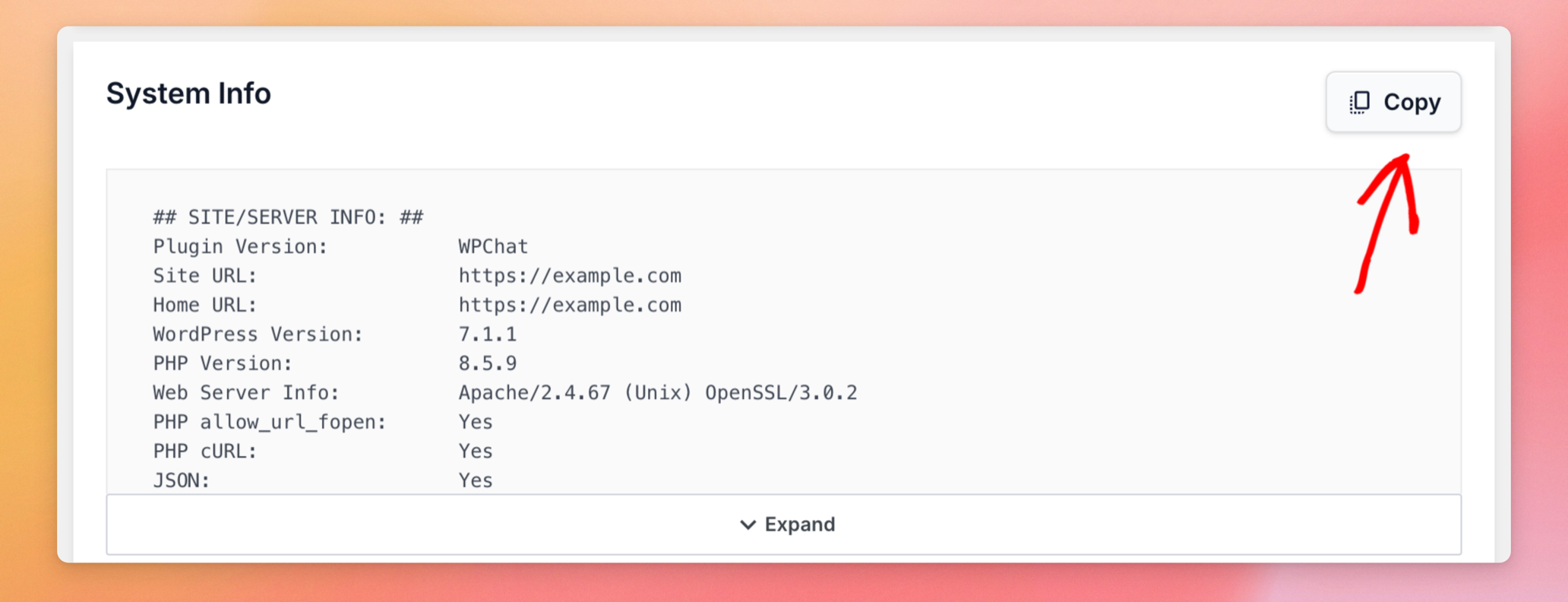
The button changes to Copied, and the whole report is on your clipboard, ready to paste into your ticket. You do not need to expand the box first, as Copy takes the full report either way.
The steps are the same in the free plugin and in every paid version. If you are not sure what to send, contact our support team and we will walk you through it.