Working with small businesses on a tight budget, I’ve seen the same moment play out more times than I can count.
Someone’s been running customer support through their personal WhatsApp for months, things are going well, and then they hit a wall: broadcast limits, no automation, and zero analytics.
So they start Googling. Two hours later they’re more confused than when they started, because every article tells them it depends.
I dug into this properly, comparing real API costs, testing the feature gaps, and mapping out who actually uses each platform and where. Most businesses aren’t choosing between WhatsApp and Telegram based on data.
I’ll walk you through both of these platforms and compare the important things: audience location, support volume, and cost. That’s enough to make the call in one sitting.
- WhatsApp vs Telegram for Business: Which One Should You Use?
- Before You Pick a Platform, Verify Where Your Customers Are
- Feature Comparison: What Each Platform Actually Gives You
- The Real Cost of Each Platform (WhatsApp API vs Telegram Bots)
- Security and Privacy: The Misconception That Could Expose Your Business
- Running WhatsApp and Telegram at the Same Time
- Can You Use Both on Your WordPress Site?
- Pick the Right Channel and Start Today
WhatsApp vs Telegram for Business: Which One Should You Use?
To put it simply, in most cases, you can use WhatsApp Business while opening a Telegram account to keep your options open.
If you’re starting fresh or need free broadcast at a large scale, focus on Telegram. But if you’ve got room in your budget for a large-scale solution, then try the WhatsApp Business API.
Here’s how that breaks down by situation:
| Your situation | Recommended platform |
|---|---|
| Your customers already message you on WhatsApp | WhatsApp Business API |
| You’re building a new audience or community from scratch | Telegram |
| API costs are a dealbreaker | Telegram |
| You need compliance (GDPR, HIPAA, finance) | WhatsApp Business API |
| You need to broadcast at scale for free | Telegram Channels |
| You serve a primarily US, India, Brazil, or European market | WhatsApp Business API |
If one of those rows matches your situation exactly, you have your answer.
If you’re not sure which row describes you, the next section shows you how to verify where your customers actually are before you commit to an API contract.
Before You Pick a Platform, Verify Where Your Customers Are
A lot of business owners assume where their customers are without actually checking.
Before you sign up for an API contract or start building a Telegram bot, spend 20 minutes confirming where your audience actually lives online.
Here are three ways to verify it before you commit:
- Map your audience geography.
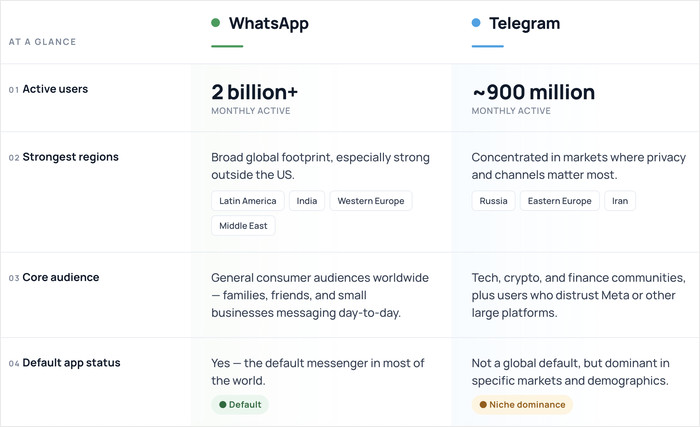
WhatsApp is dominant in India, Brazil, and most of Europe and Latin America. Telegram skews toward tech-forward users, Eastern Europe, and communities built around crypto, gaming, and creator content.
| Telegram | ||
|---|---|---|
| Active users | 2 billion+ | ~900 million |
| Strongest regions | Latin America, India, Western Europe, Middle East | Russia, Eastern Europe, Iran |
| Core audience | General consumer audiences worldwide | Tech, crypto, and finance communities; users who distrust Meta or large platforms |
| Default app status | Yes, in most of the world | No, but dominant in specific markets and demographics |
- Run a one-question survey to your existing list or social audience
Something simple: “Where do you prefer to message businesses?” You don’t need 500 responses. Even 30 honest answers will reveal a clear lean.
- Check where your current support requests come in
Look at the last 30 days of inbound contact. Are people emailing you, filling out your contact form, or messaging you directly?
If nobody’s contacting you on WhatsApp yet, that tells you something. If they already are, that tells you more.
The numbers sound impressive on paper: WhatsApp has over 2 billion active users globally, according to WhatsApp’s own published figures.
Telegram has topped 1 billion downloads, per TechCrunch. But total downloads don’t tell you where your customers are, and distribution matters more than totals.
Feature Comparison: What Each Platform Actually Gives You
The table below covers the specs that actually affect how you run support. Use it to spot the gaps before you build anything.
| Feature | WhatsApp Business (Free App) | WhatsApp Business API | Telegram |
|---|---|---|---|
| Broadcast limits | 256 contacts (recipients must have your number saved) | Unlimited, but paid per conversation | Unlimited via Channels |
| Group size limits | 1,024 members | Not applicable | 200,000 members |
| Bot and automation support | Basic only (quick replies, away messages) | Yes, through a third-party BSP | Free Bot API, 1 message/second for individual chats |
| File size limits | 2 GB for documents, less than 100 MB for other media | 100 MB | 2 GB for free, 4 GB for premium users |
| Verified business profile | Yes, green checkmark (requires Meta approval) | Yes, green checkmark | No official verification system |
| Catalog and product listings | Yes, up to 500 items | Yes | No native catalog |
| Message templates | No | Yes, templates must be pre-approved by Meta | No, bots handle this instead |
| Desktop and multi-device support | Yes, up to 4 linked devices | Yes | Yes, unlimited devices |
WhatsApp’s biggest differentiator isn’t a feature you can measure in a table.
When a customer gets a message from a verified WhatsApp Business account, they see a green checkmark and a business name, not a random phone number.
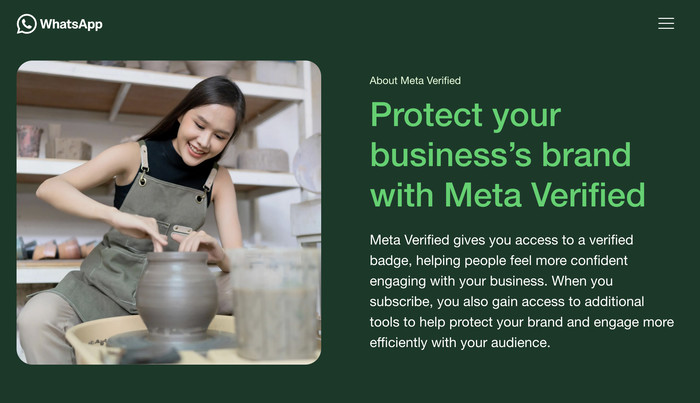
That trust signal is built into the product, and it comes with the catalog integration, so customers can browse your products directly inside the chat without leaving the app.
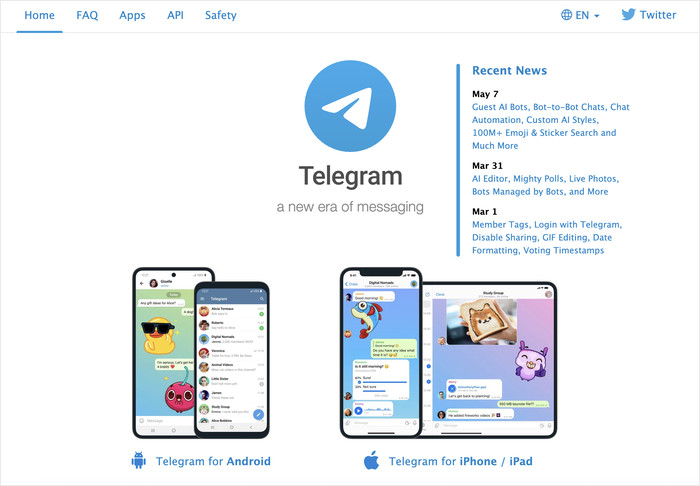
Telegram’s main selling point is the Bot API. It’s free to use, fully documented, and capable of handling support workflows that would cost real money to replicate on WhatsApp.
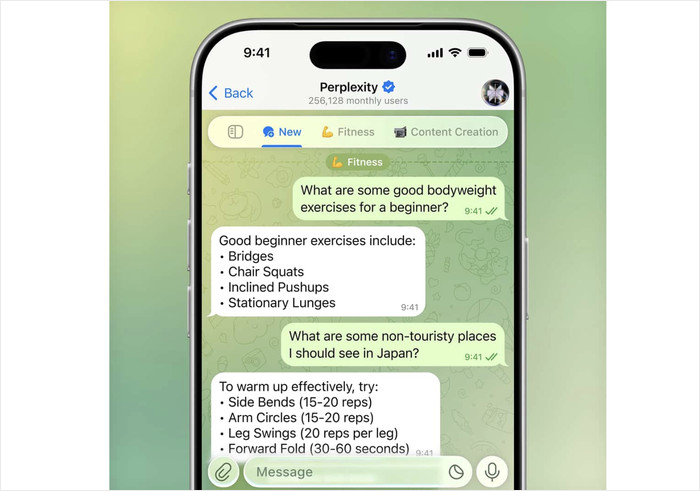
You can build ticketing systems, auto-replies, and a smart logic to automatically handle chatters without paying for a third-party.
The Real Cost of Each Platform (WhatsApp API vs Telegram Bots)
Telegram’s Bot API is free, and the WhatsApp Business API is not. That single fact shapes every cost decision that follows, and the gap grows wider as your message volume increases.
Telegram charges nothing per message and nothing per conversation. There’s just a generous limit of 1 message/second.
You can run a bot that handles hundreds of support queries a day, broadcast to an unlimited channel audience, and automate your entire intake workflow without paying Telegram a cent.
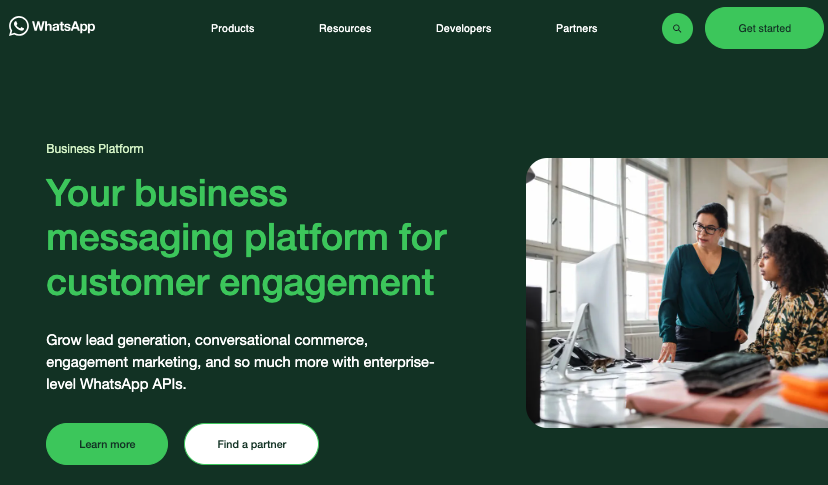
WhatsApp’s Business API charges per message you send. Plus, Meta splits these into four categories, each priced differently.
| Conversation type | Who starts it | Typical use case |
|---|---|---|
| Marketing | Your business | Promotions, offers, abandoned cart follow-ups |
| Utility | Your business | Order confirmations, shipping updates, reminders |
| Authentication | Your business | One-time passwords, account verification |
| Service | Your customer | Inbound support questions, general inquiries |
WhatsApp’s cost also varies by country, and they show the rates by country in the pricing section of this page.
A marketing message by a US business costs more than the same message by a business in India or Argentina.
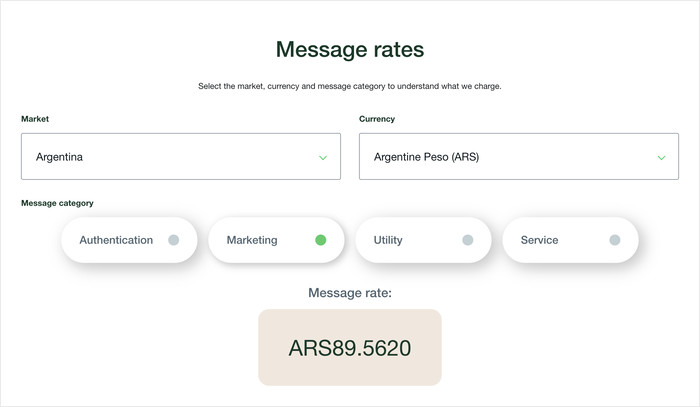
On top of that, most businesses also don’t access the API directly through Meta. You’ll have to go through a Business Solution Provider (BSP) who add their own cost on top of the base rates.
That markup typically runs 15–40% above Meta’s charge, depending on the provider and your contract terms.
The table below shows estimated monthly cost ranges for a business sending a mix of marketing and utility conversations. Remember that the final cost depends on your country and the BSP you pick.
| Monthly volume | Estimated cost range (USD) |
|---|---|
| 500 conversations/month | $5–$30 |
| 5,000 conversations/month | $50–$300 |
| 25,000 conversations/month | $250–$1,500+ |
Telegram’s cost picture looks different at scale. The Bot API itself stays free regardless of volume.
Costs appear when you add tools around it: CRM integration, shared inbox software, or analytics dashboards.
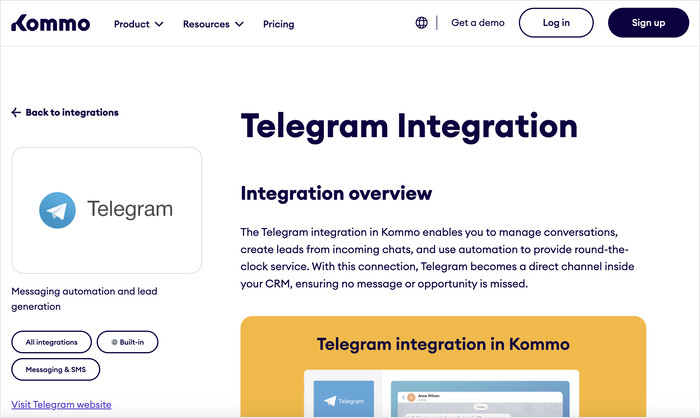
Platforms like Kommo or Trengo that connect to Telegram typically start at $15–$50 per user per month. That’s a flat monthly fee, not a per-conversation charge that scales with every message you send.
At low volume, both platforms are manageable. At high volume, Telegram’s flat-cost model pulls ahead financially, assuming your audience is there to receive your messages.
At 25,000 conversations a month, the difference between a flat tool subscription and a usage-based API bill becomes a real line item in your budget.
Security and Privacy: The Misconception That Could Expose Your Business
Here’s the claim you’ll see in almost every comparison: both apps use end-to-end encryption, so they’re equally private. That’s not accurate.
WhatsApp encrypts every message end-to-end by default. Chats, group chats, voice calls, all of it. So, even WhatsApp itself can’t read the content.
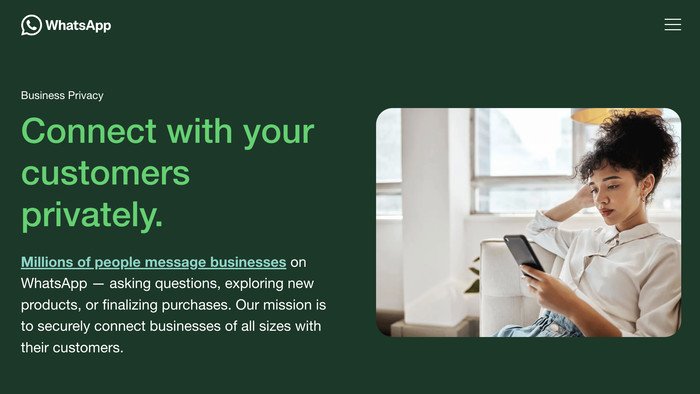
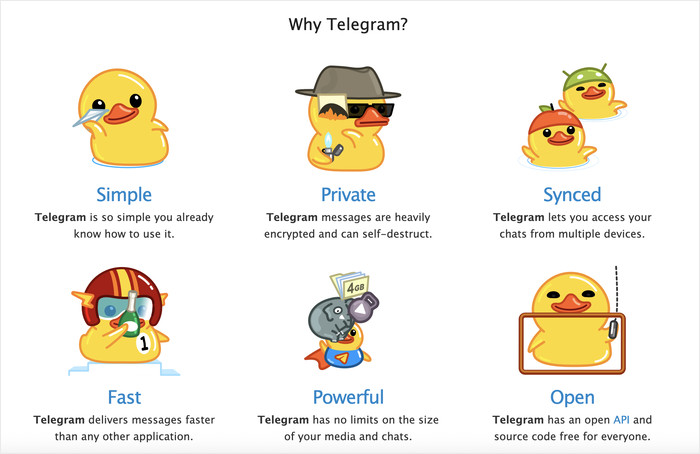
Telegram does not use end-to-end encryption by default. Regular chats, groups, and channels are stored on Telegram’s servers.
End-to-end encryption only exists in Secret Chats, which have to be manually enabled and don’t work in groups at all.
For most small businesses, that’s the only thing you need to know: WhatsApp is encrypted by default, Telegram isn’t.
Regulated Industries: There’s More to Consider
Plumbing businesses and retail shops can probably stop here. Both platforms are fine for everyday customer conversations.
Healthcare, legal, and financial services face a larger gap:
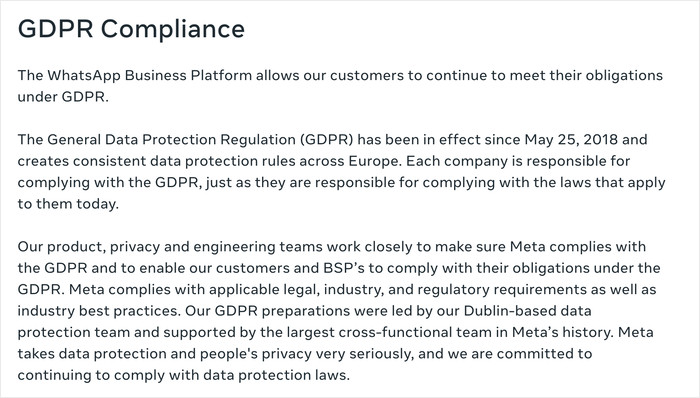
- WhatsApp Business API (accessed through a BSP with a signed Data Processing Agreement) has a documented path toward GDPR compliance and some HIPAA-adjacent frameworks.
- Telegram offers no enterprise data processing agreement for standard business use.
Data handling requirements exist in many industries. Talk to your legal team before you pick a platform. That’s the most important sentence in this section.
For everyone else: most customers aren’t evaluating your encryption architecture.
They’re looking for a verified business name and a consistent presence. WhatsApp’s green checkmark handles that more directly than any privacy spec.
Running WhatsApp and Telegram at the Same Time
You can run both platforms without it becoming a second job. Here’s when it actually makes sense to run both.
You already have WhatsApp customers, but some of your customers are on Telegram and prefer it:
Keep WhatsApp for inbound support. Use a Telegram channel for announcements and updates. You’re not doubling your support work. You’re just adding a broadcast channel.
You’re switching platforms but don’t want to lose anyone in the move:
If you announce “we’re moving to Telegram” and a big chunk of your customers don’t follow, those conversations are gone.
Running both during the switch gives you a safety net while you build the new audience.
Your customers are in different countries:
WhatsApp dominates in Brazil, India, and Latin America. Telegram is more common in Eastern Europe and parts of Southeast Asia.
If your business spans those regions, running both just means being reachable where your customers already are.
When Running Both Is Overkill
If it’s just you or you and one other person, splitting attention across two platforms means someone always waits longer.
A customer messages you on Telegram at noon while you’re buried in WhatsApp. That four-hour gap does more damage to your reputation than simply not being on Telegram at all.
Start with the platform where most of your customers are. Add the second one only when you have someone to actually staff it.
One Reason to Keep a Telegram Channel Even If You’re Primarily on WhatsApp
WhatsApp has changed its pricing and terms more than once. For example, Meta switched from per-conversation to per-message billing.
All the businesses that had budgeted around the old model had to recalculate mid-year.
A Telegram channel costs nothing to maintain. If WhatsApp changes its terms again in a way that disrupts your setup, you already have a second channel warmed up with your audience instead of scrambling to build one from scratch.
Can You Use Both on Your WordPress Site?
Yes, and if you’re still deciding between WhatsApp and Telegram, you may not have to choose at all.
WPChat is a WordPress plugin that adds a chat widget to your site and supports WhatsApp, Telegram, Instagram, and Messenger from a single interface.
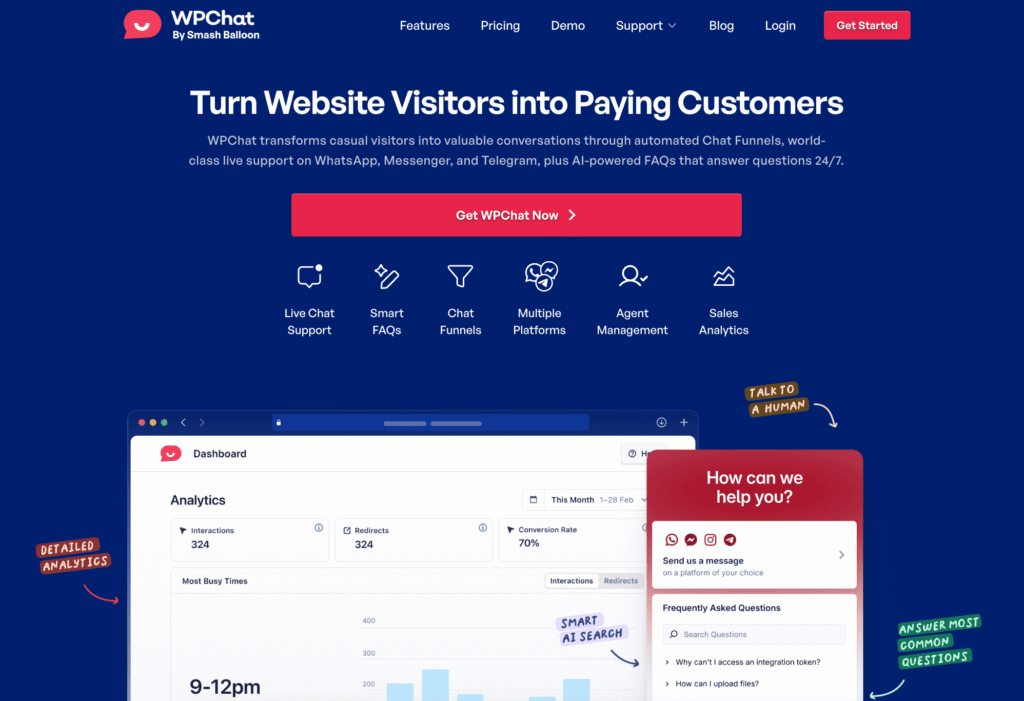
Visitors open the widget, see whichever channels you’ve enabled, and tap the one they already use. The plugin handles the redirect automatically. No copy-pasting numbers, no hunting for a link.
That matters more than it sounds. Some businesses find that different customer segments land on completely different platforms.
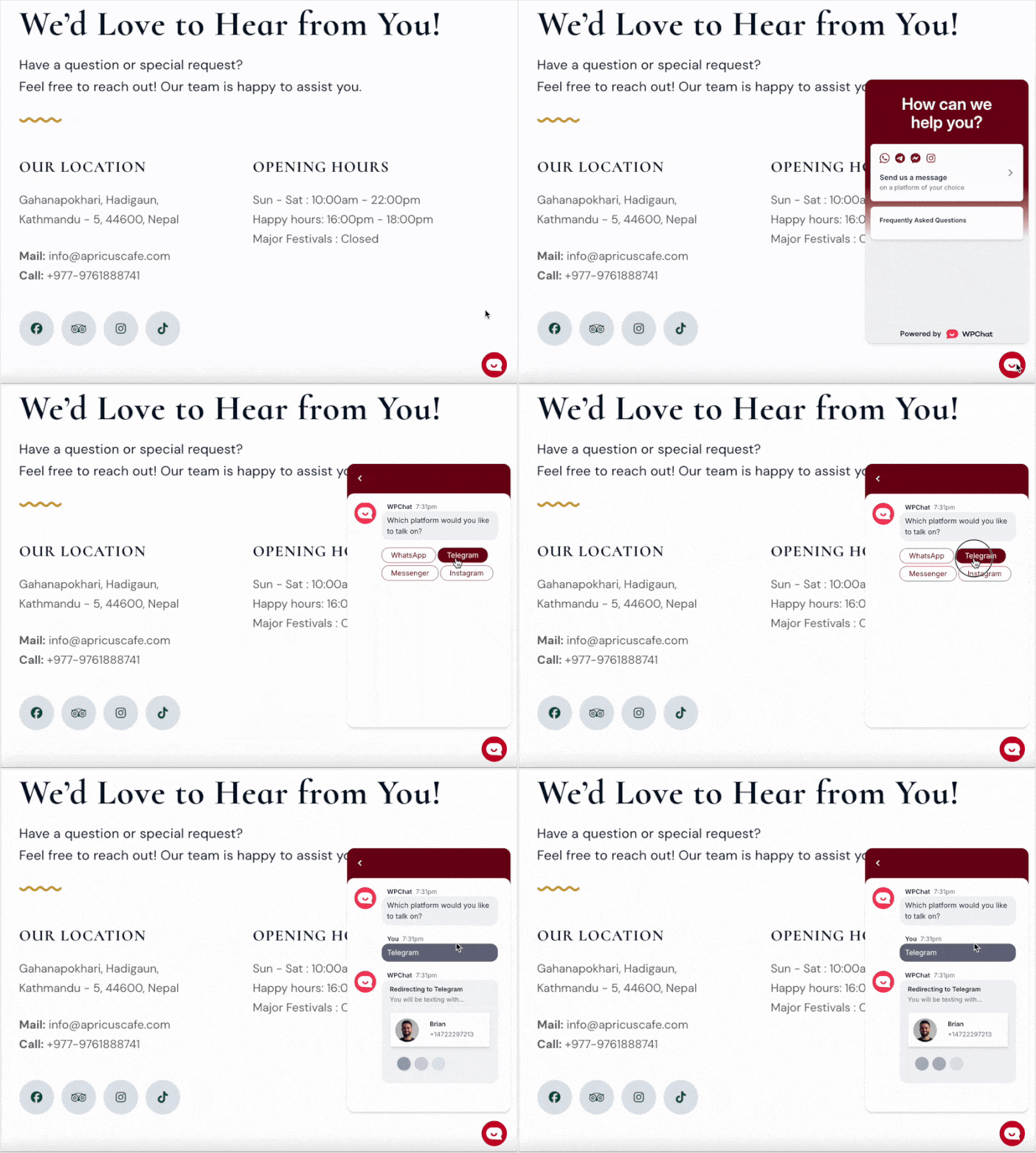
Younger buyers default to Instagram DMs. International customers lean toward WhatsApp. A slice of your audience has used Telegram for years and won’t switch.
A single widget that lets each visitor self-select means you stop losing the ones who don’t match your primary channel.
Beyond channel selection, WPChat includes a few features that reduce your actual support load:
- Online and offline hours so visitors know when to expect a response instead of messaging into silence
- Analytics to track which channels are getting used and how your support volume trends over time
- FAQs built into the widget so common questions get answered before anyone sends a message
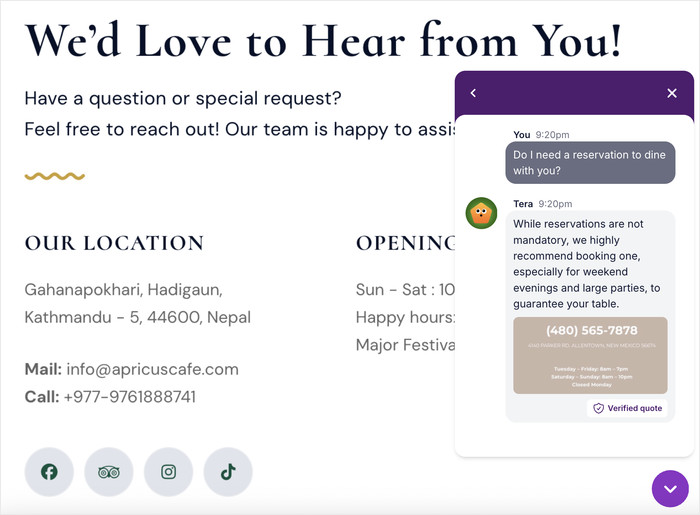
Setup is the same whether you’re running one channel or four. Add the widget, enable the platforms you want, configure your hours, and you’re done.
Visitors see a clean interface. You see conversations arrive in whatever apps you’re already managing.
If you’ve been treating the WhatsApp-versus-Telegram question as a forced choice, WPChat makes it a non-issue.
Get started with WPChat today, and you can connect to visitors on the platform they trust.
Pick the Right Channel and Start Today
You now have a clear answer. The right platform is the one your customers are already using. For most businesses, that’s WhatsApp.
For tech communities, privacy-focused users, or markets where Telegram dominates, Telegram earns its place.
If you’re not sure which applies to you, check your GA4 traffic by country and add a quick question to your contact form. You’ll have a clear answer within a few weeks.
Ready to add WhatsApp and Telegram support to your WordPress site?
Try out WPChat Pro and handle both channels from a single place and connect with visitors.
Want to go deeper on messaging for business? Check out our guide on how to add live chat to your WordPress site.